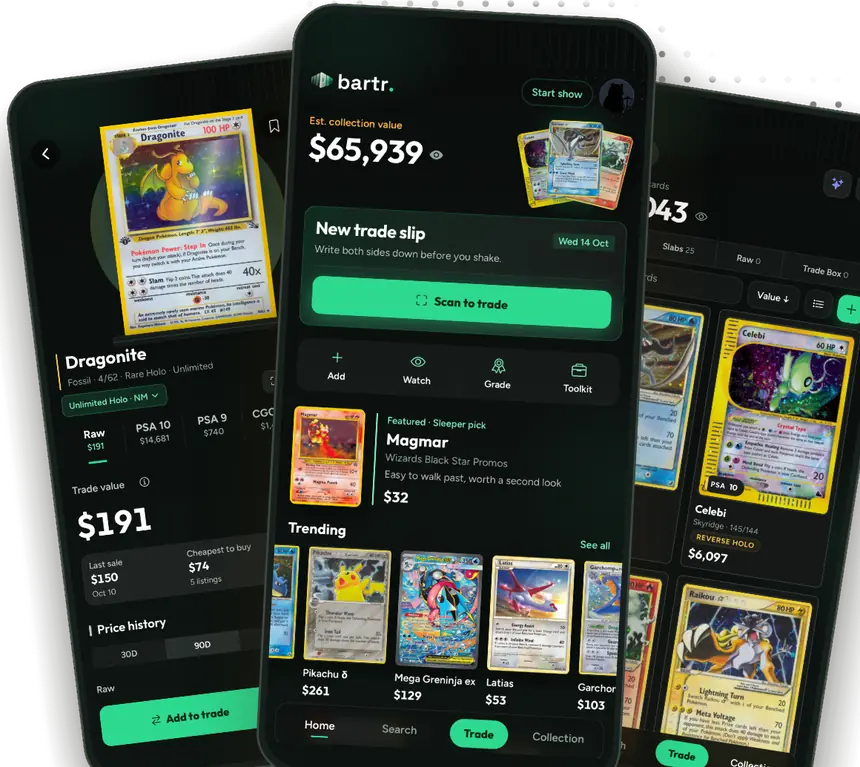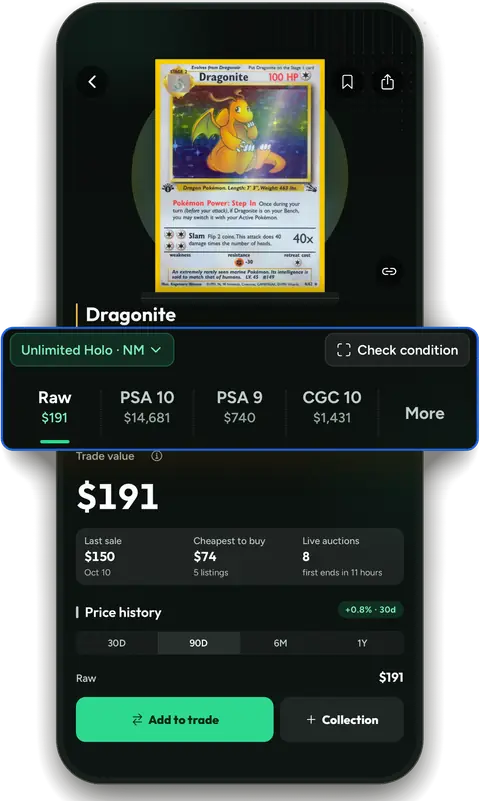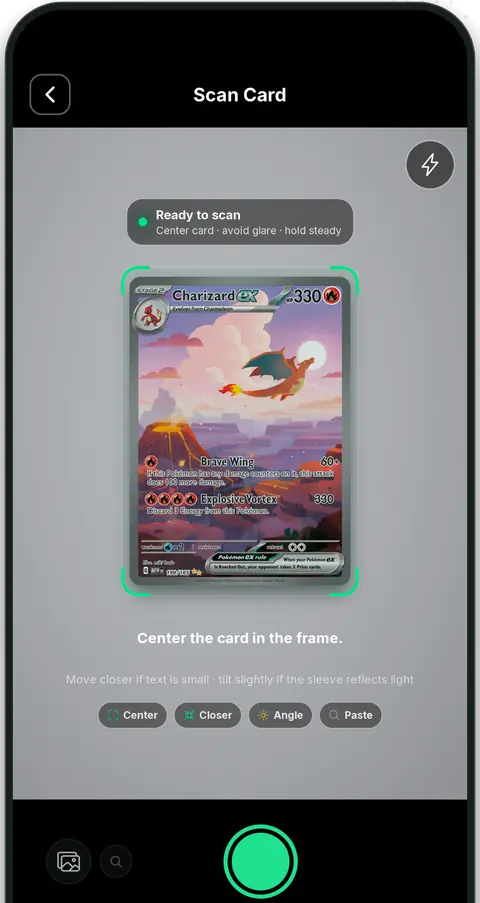
01
Scan or search
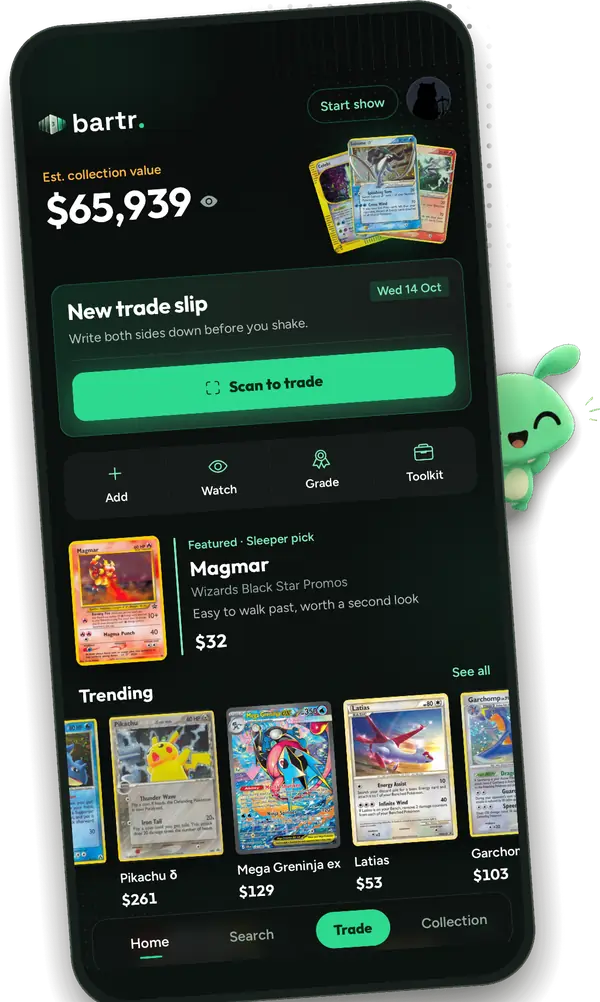
Point your camera at a Pokémon or One Piece card. Riftbound cards are a quick search away.
 Bartr
Bartr
free · no account · no ads
Know if a trade is fair before you shake on it. Scan or search both sides, see the gap in plain dollars, and keep the receipt.
Free on iOS. No account needed. Pokémon, One Piece and Riftbound.
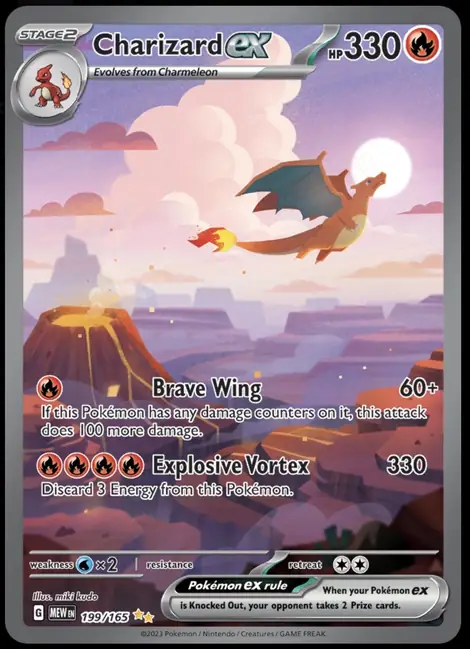
try it here
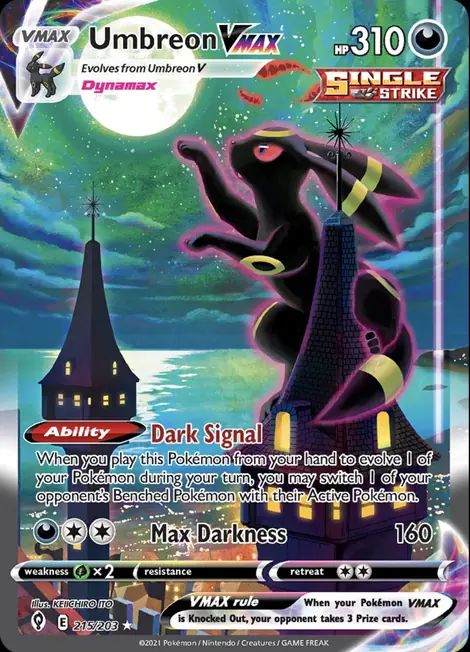
Drag a card onto a side, or tap Give or Get. Values are illustrative market references, not live prices.
Tip: drag a card straight onto a side.
Add at least one card to each side
how it works
01
Point your camera at a Pokémon or One Piece card. Riftbound cards are a quick search away.
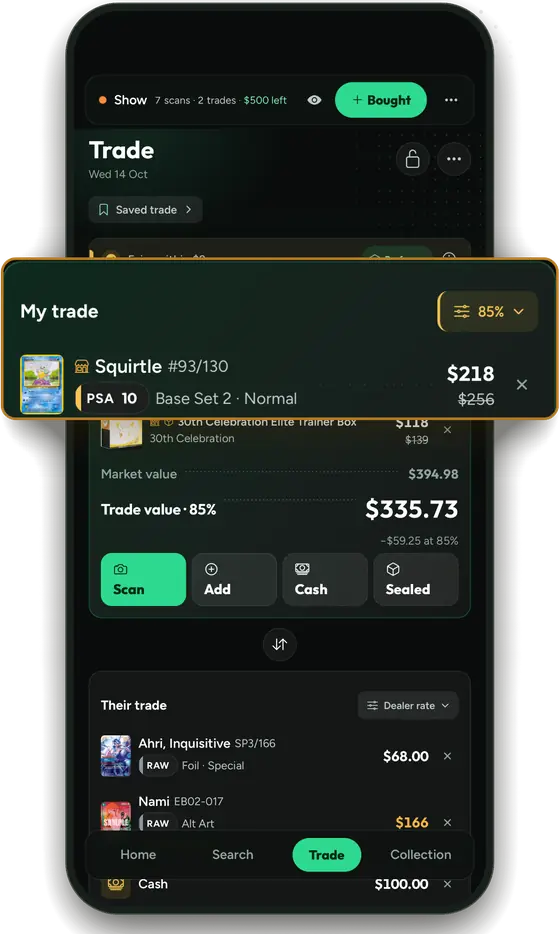
02
Your cards on one side, theirs on the other, added up as you go. Add cash or a dealer rate when it comes up.
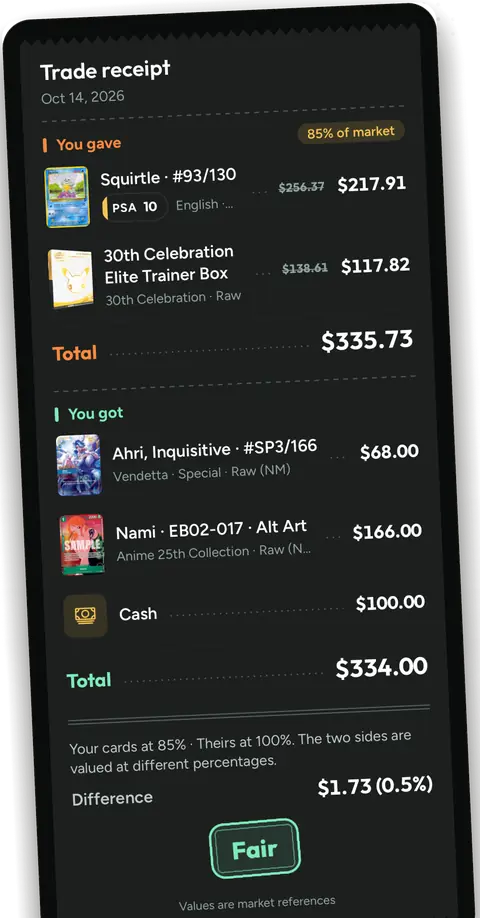
03
The gap in dollars, and whether it sits inside the fair band. Save it when you agree.
trade receipt
What you gave, what you got and the difference. This slip is your sample trade from above.
Both sides sign@you · @them
Dated market referencesthe day you trade
Share it as an imagebartr.cards
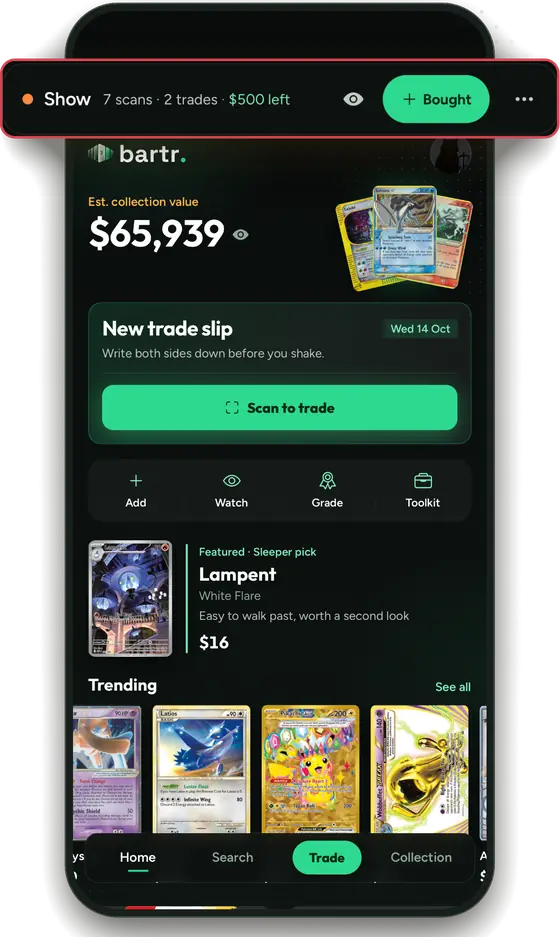
show mode
Scans, trades and your budget in one bar.
Your values stay yours. Privacy Mode hides the dollar amounts when you slide your phone across.
Every trade, tagged. Scans and trades are filed under the show, and a booth if you set one.
A recap on the way home. End the show and get a trip summary of what you scanned and traded.
a note from the developer
Hi, I'm Eric. I made Bartr because the best part of a card show is the trading, and nobody should have to guess whether a deal is fair. Bartr puts both sides on one screen, so you and the person across the table see the same numbers and can get back to talking about cards.
It's free, with no ads and no account. If something's off or you want something added, email me at support@bartr.cards. I read every message.
Eric
Yes. Bartr is free on iPhone, with no account and no ads.
Recent market data and verified sales, priced for the exact card, printing and grade. They are market references, not promises, and a card Bartr cannot price is left out instead of guessed.
Pokémon and One Piece cards, raw or graded, from your camera or your photos. Riftbound cards are searched and priced instead of scanned.
Only if you show them. Privacy Mode hides dollar amounts, and it can switch on by itself when Show Mode starts.
The gap is within 3% of the larger side, close enough that cash or a filler card settles it. Past that line the trade shows a value gap, so you can talk it through.
Not yet. Leave your email below and I'll send one note when there's news.