 Bartr
Bartr- GUIDE 01Scan a cardCamera, gallery, the result card, Bulk Scan, Needs Review
- GUIDE 02Trade CalculatorBoth sides, grades and printings, cash, the verdict banner
- GUIDE 03Show ModeStarting a show, automatic Privacy Mode, the recap
- GUIDE 04CollectionAdding cards, importing, grades and printings, the value header
- GUIDE 05WatchlistPrice alerts, the want list, when alerts check
- GUIDE 06Vendor ModeTurning it on, stocking your table, the live QR list
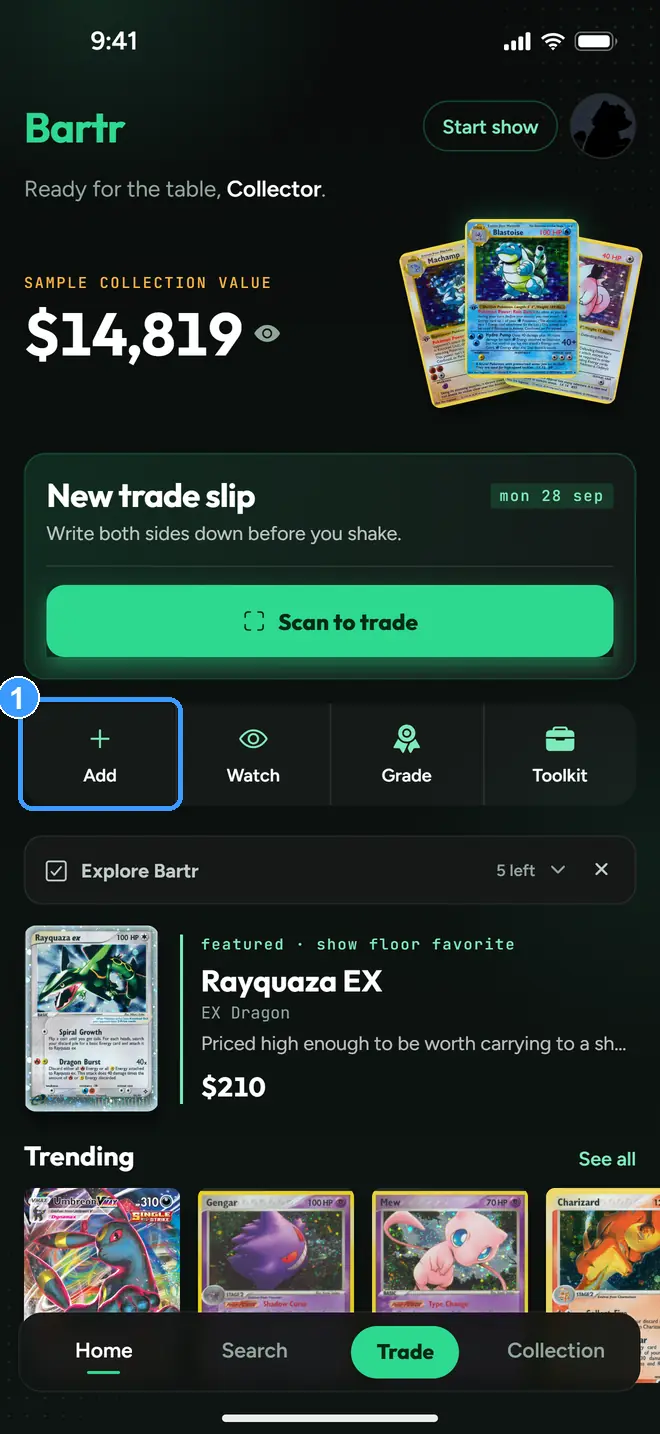
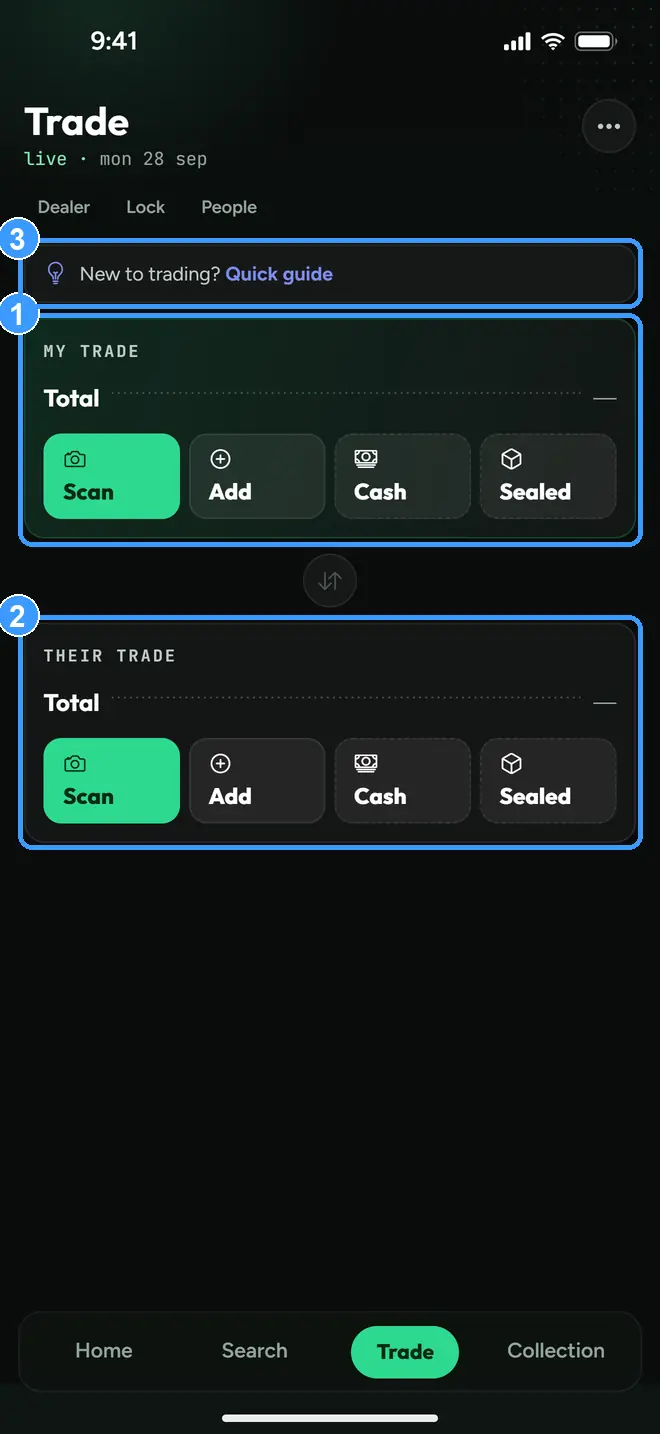
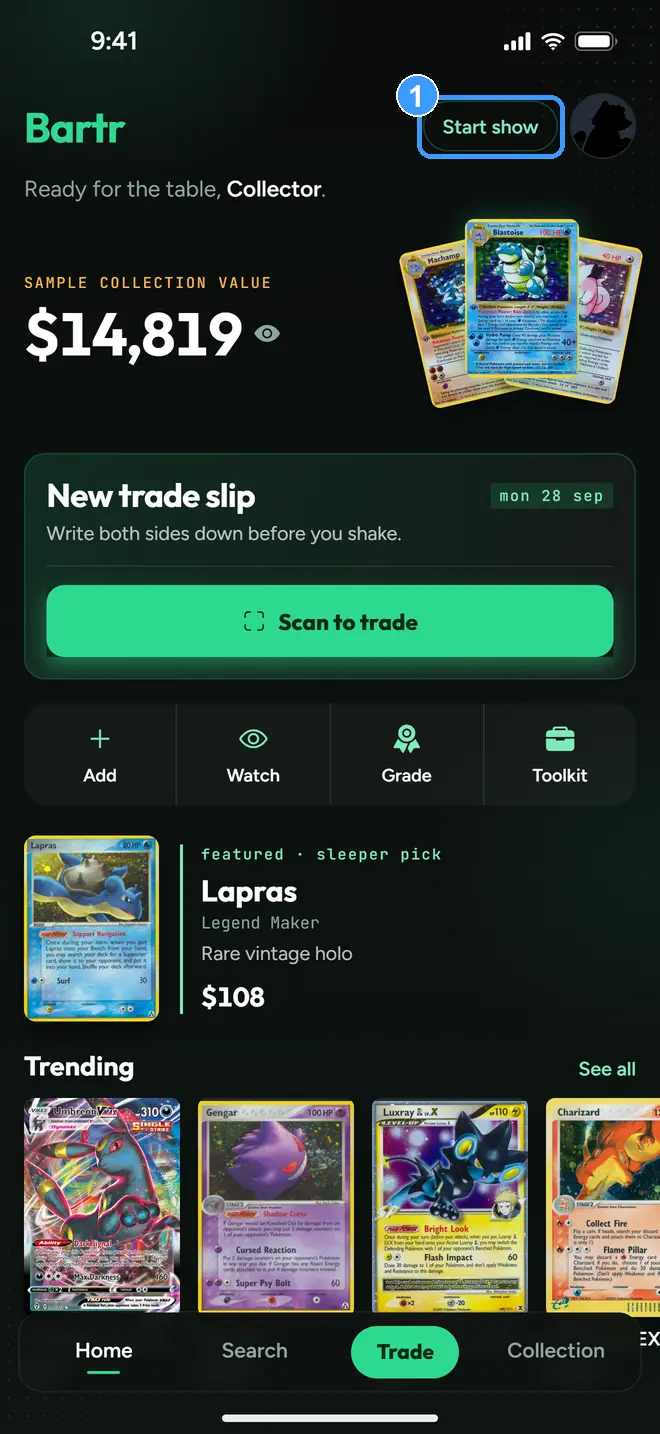
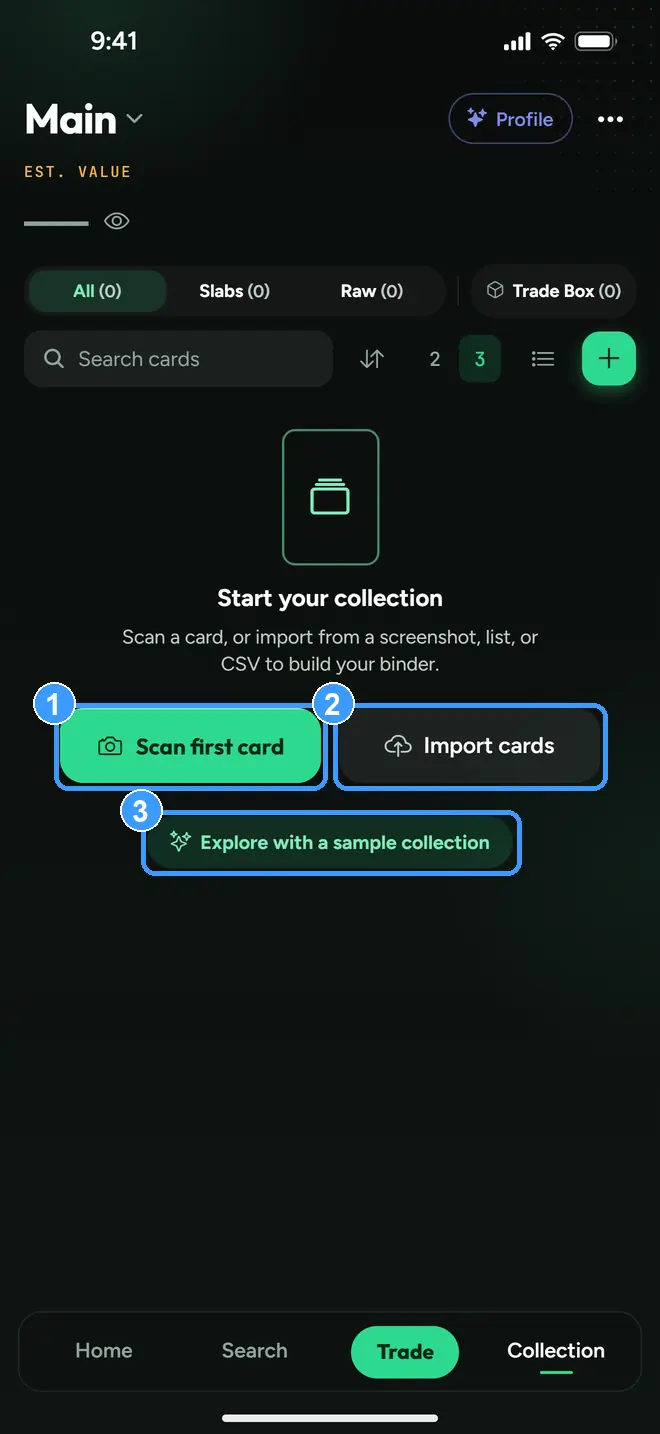
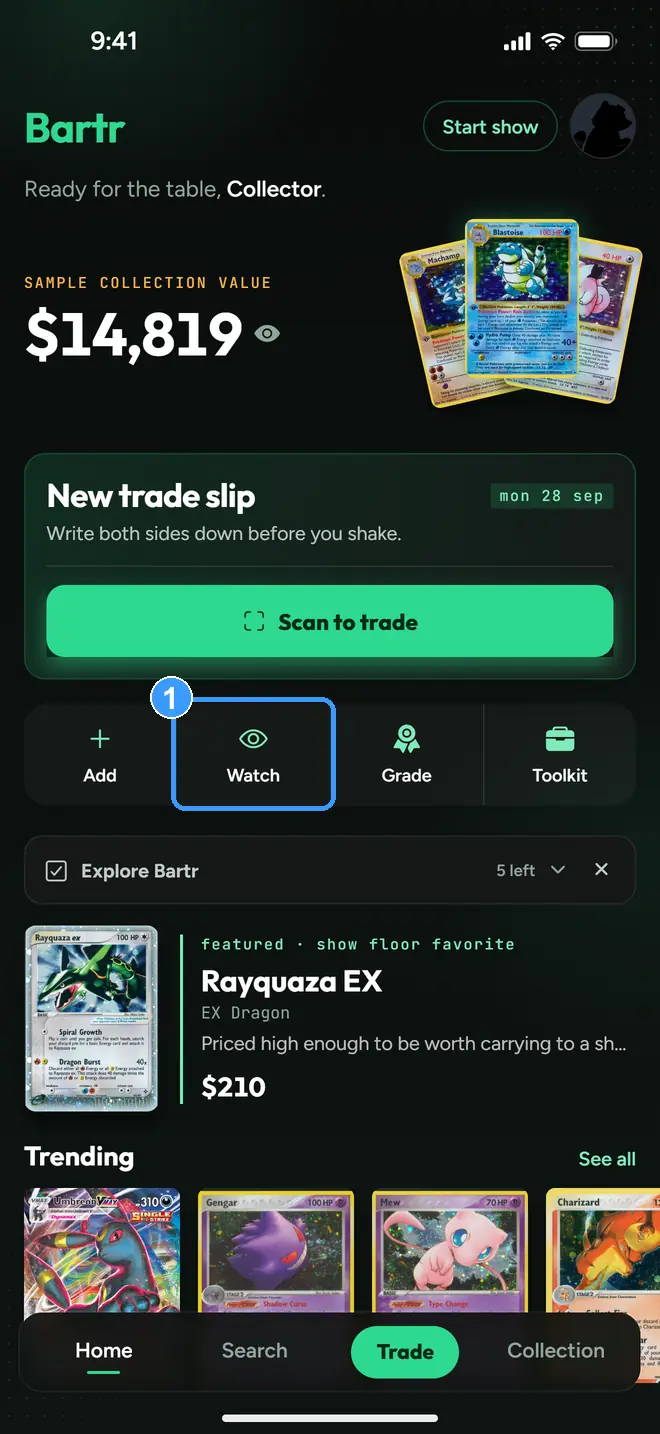
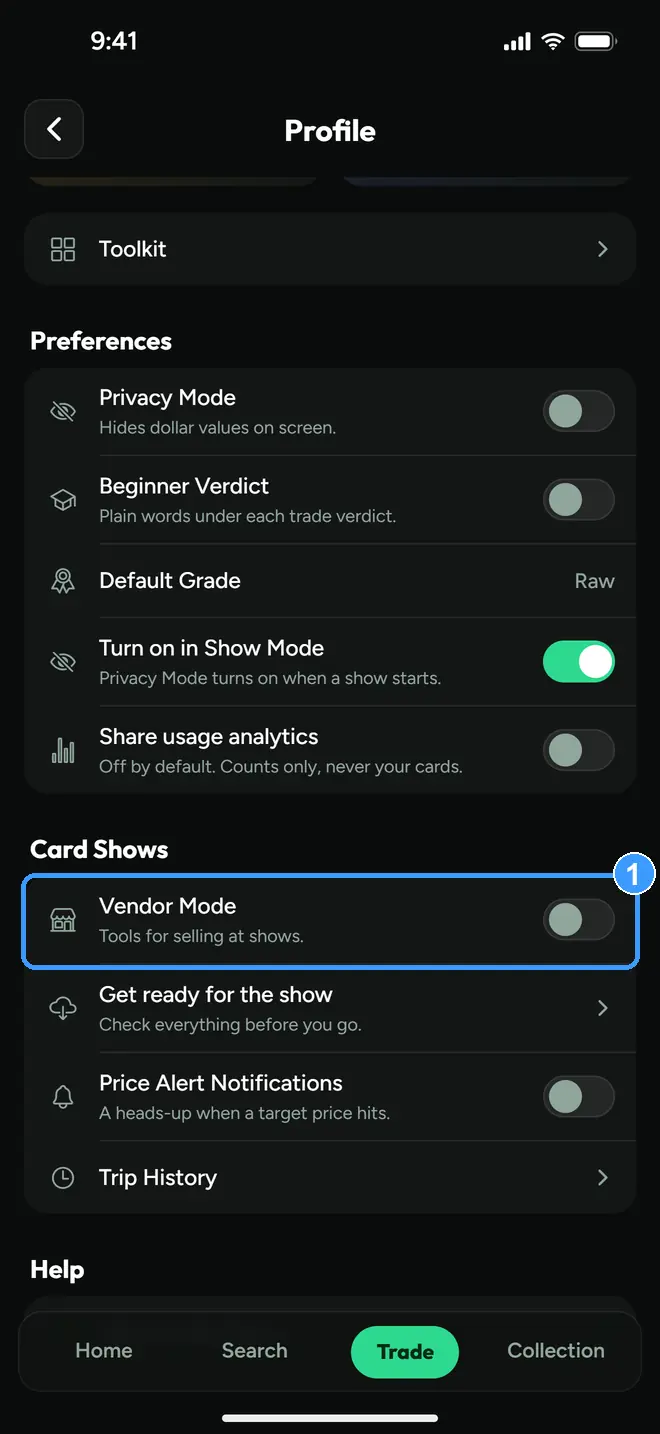
Values shown in a screenshot are the values that were really on screen: captions never invent or round a price. Screens captured with the sample collection loaded carry the app's own on-screen label saying the values are examples. A blank or withheld price in a screenshot is the app working as designed: Bartr shows nothing rather than guessing a number.
Also on this site:
How to value a Pokémon card trade and
PSA 10 vs raw, when grading is worth it, two
longer reads for questions that come up at any table. Shorter answers:
Is my trade fair?,
card show trading tips,
raw vs graded cards,
how to spot a fake PSA slab,
PSA vs CGC vs BGS grades,
your first card show,
how vendor trade-in rates work,
sold price vs asking price,
how to avoid lowball offers,
what grade will my card get and
trading cards with friends. For other games,
how One Piece card prices and
Riftbound card prices work. To take to a show, the
printable trade checklist.