 Bartr
Bartr1. Open it
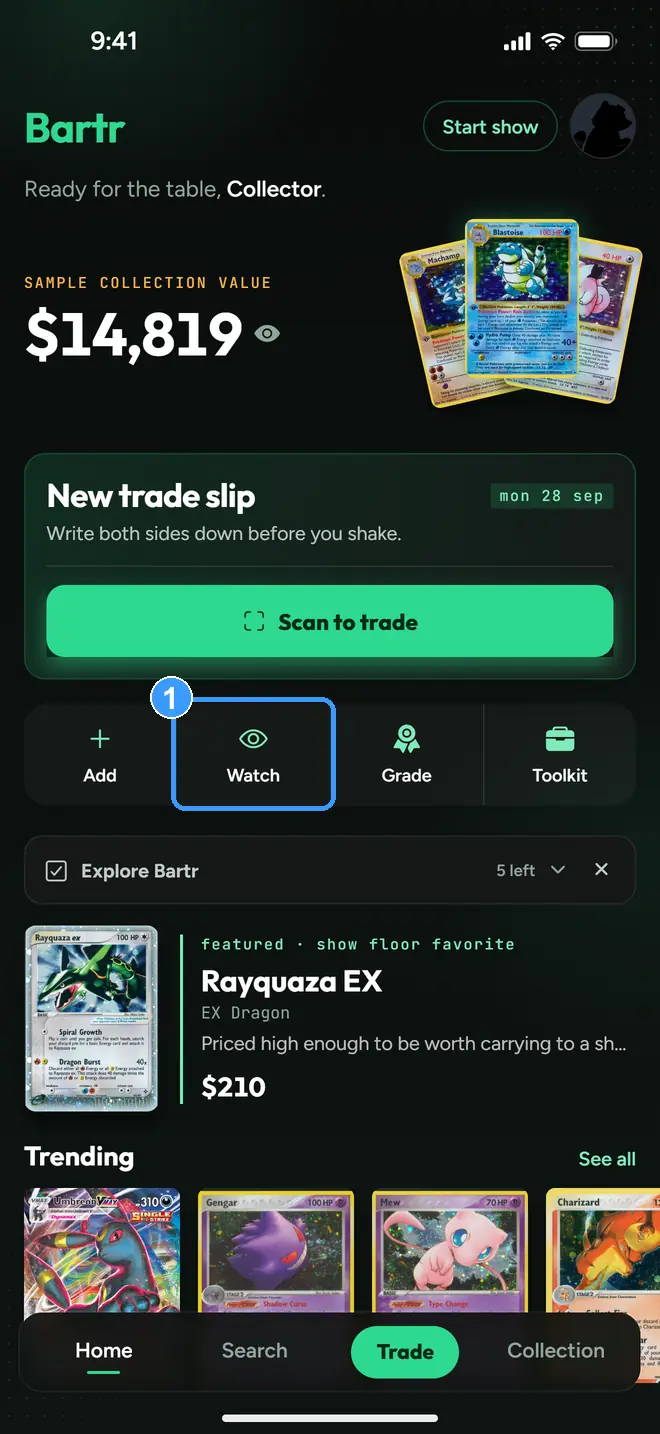
Tap the Watch eye tile (1) on Home. The Watchlist has three tabs: Want list, Price alerts, and Saved, which keeps the cards you bookmarked on their card pages.
2. Track a card from its page
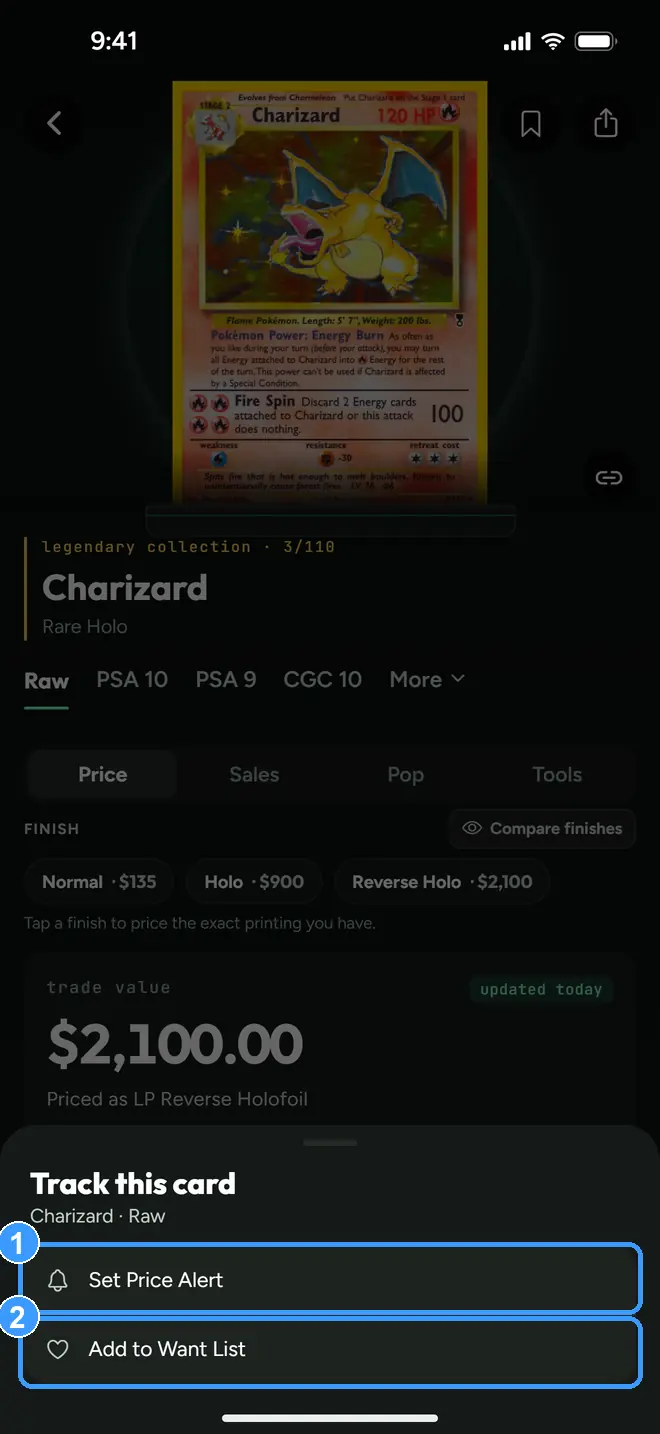
On any card page, tap the eye at the end of the bottom bar. Set Price Alert (1) watches the card's price for you. Add to Want List (2) files it on your hunting list with a target price and a priority.
3. Price Alerts
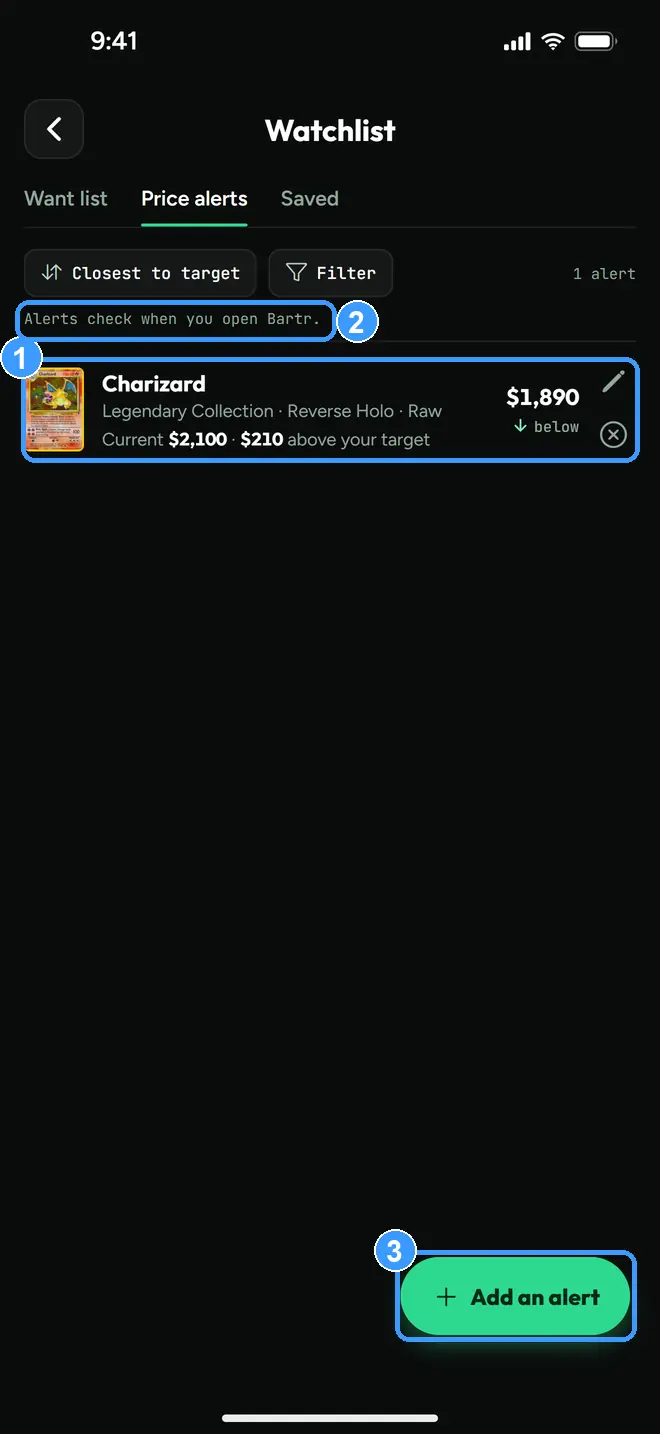
Each alert row (1) shows the card, its current price, your target, and how far apart they are, here $210 above your target. The pencil edits the target. The note at the top (2) is the honest part: alerts check when you open Bartr. Add an alert (3) adds one directly.
If you would rather not have to open the app, Bartr also offers a heads-up notification when a target hits:
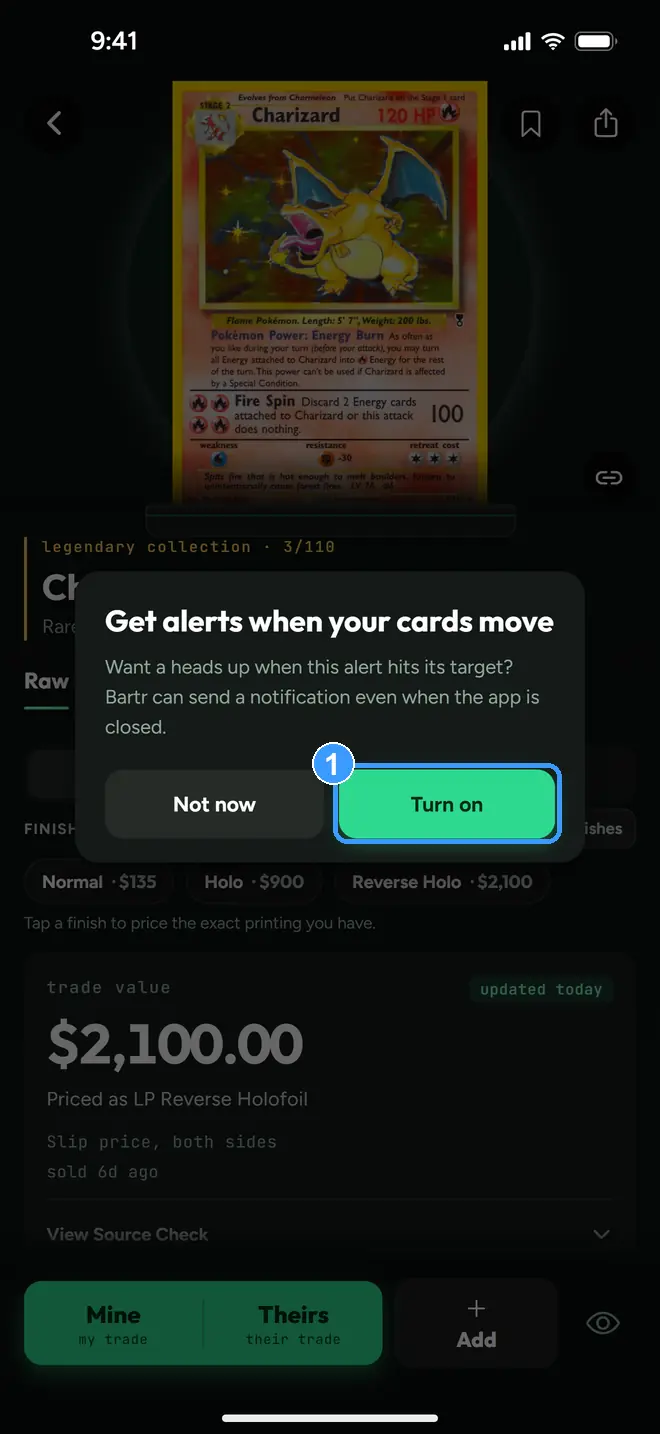
Tap Turn on (1) if you want that. It asks once, after your first alert, and the switch lives in Profile under Card Shows as Price Alert Notifications if you change your mind either way.
4. Want List
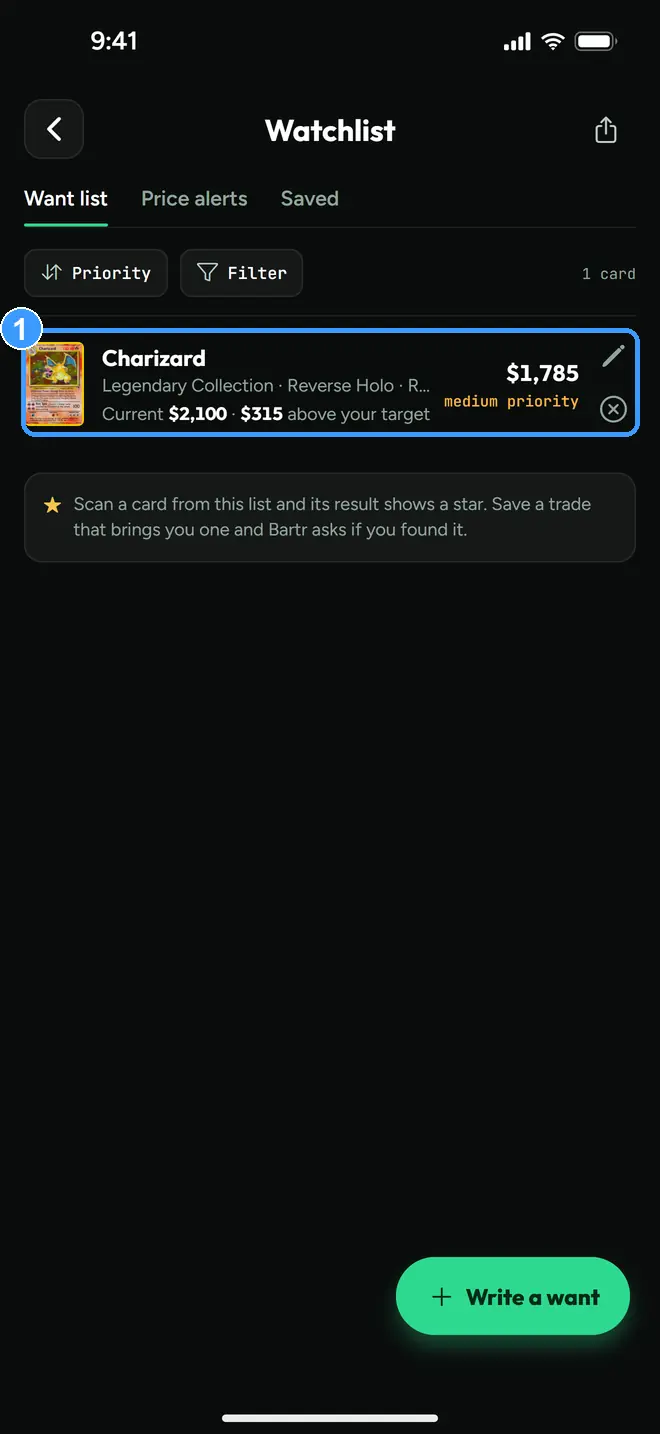
The Want List is the card-show shopping list: each entry (1) carries your target buy price, the current market price, and a priority, so at a table you can check what you planned to pay before anyone quotes you a number. The share button up top exports the list as an image.
Every screenshot above comes straight from the app. Get the app to follow along on your own phone, or try the trade calculator in your browser first. Neither needs an account.